
Fall Zone Simulator
Set a tree's height and lean, then drag a house, shed, car and fence around it to see what sits inside the fall zone.
Drag the house, shed, car and fence around the tree.
Saved. It will travel with your quote request below.
A tree does not always fall in a straight line, and this picture is not a risk assessment. If a tree worries you, have an arborist look at it.
Three quick steps
- 1Set the treeSlide the height and choose which way the tree leans.
- 2Drag your propertyMove the house, shed, car and fence to where they are in real life.
- 3Read the listPieces turn red inside the zone, amber near its edge and green outside.
About the fall zone simulator
Does a tree always fall in a straight line?
No. Trees can twist, split and shed limbs in any direction, and wind changes everything. The circle is a simple picture, not a prediction.
Why add a safety margin?
Branches and tops can travel farther than the trunk reaches, and trees can bounce or slide on slopes.
What should I do if something is inside the zone?
Have the tree assessed. Options include pruning, cabling, monitoring or removal.
Services that go with this tool
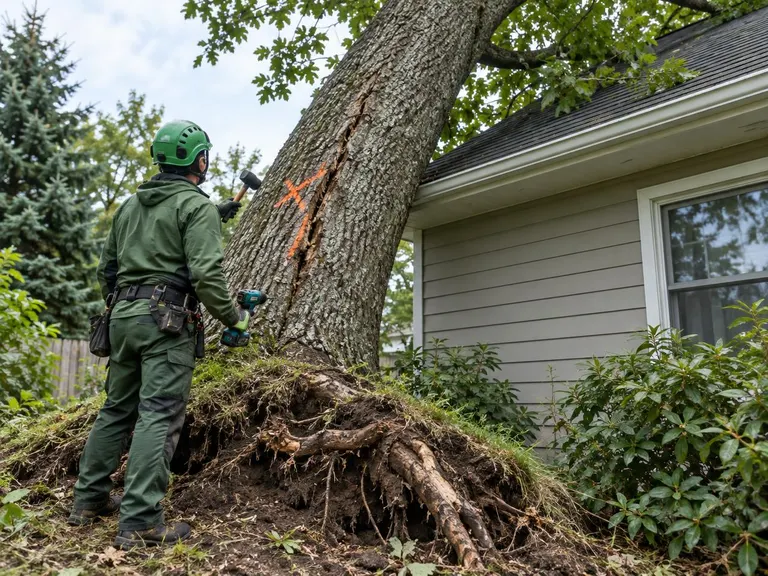
Hazardous Tree Assessment and RemovalDecide whether a worrying tree is a real hazard, and deal with it before it deals with you.See the service 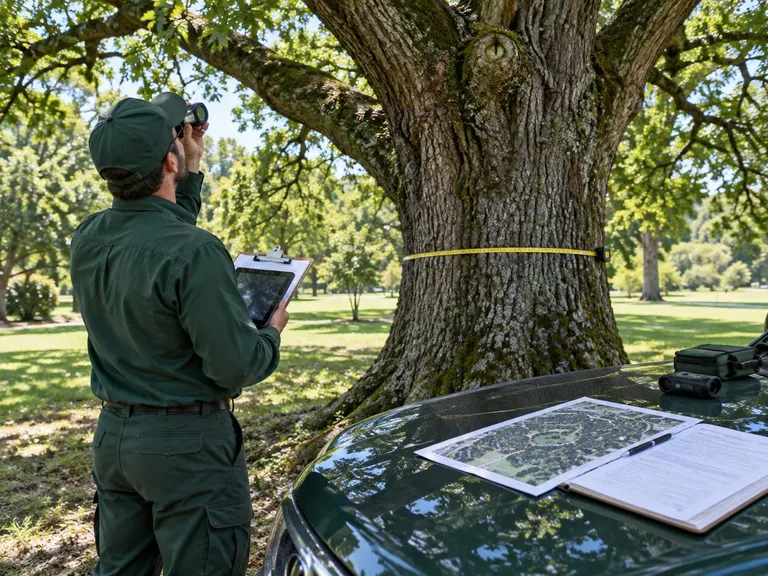 Tree Risk Assessment and ReportsA clear, written look at the risk your trees pose, with options you can act on.See the service
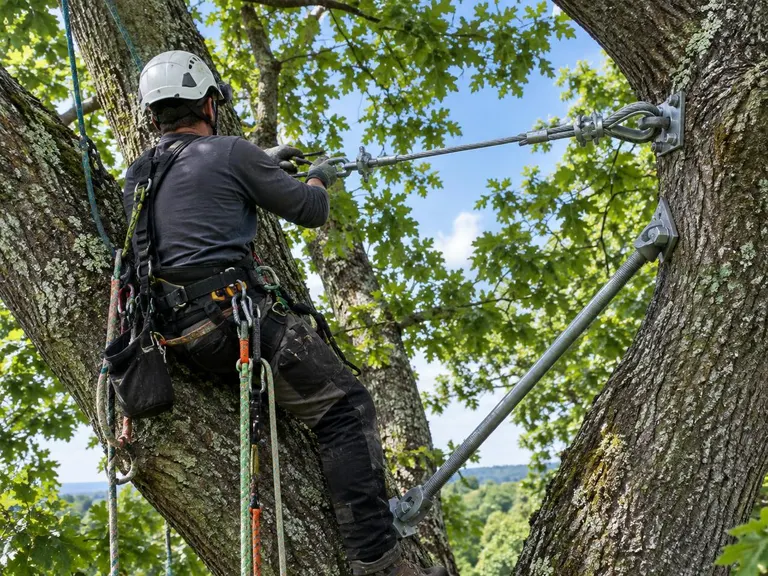 Cabling and BracingHold a weak tree together, so you can keep the tree and lose the worry.See the service
Ready when you are.
Call or text us, or send the form. Tell us about the tree and we will tell you what we think.